
AI Fashion Photography for Clothing Brands: A Practical Guide
Complete guide to AI fashion photography for clothing brands — workflow, garment accuracy checklist, AI vs traditional comparison, and how to know if it fits your catalog.
September 11, 2026 · SetlesStudio Team
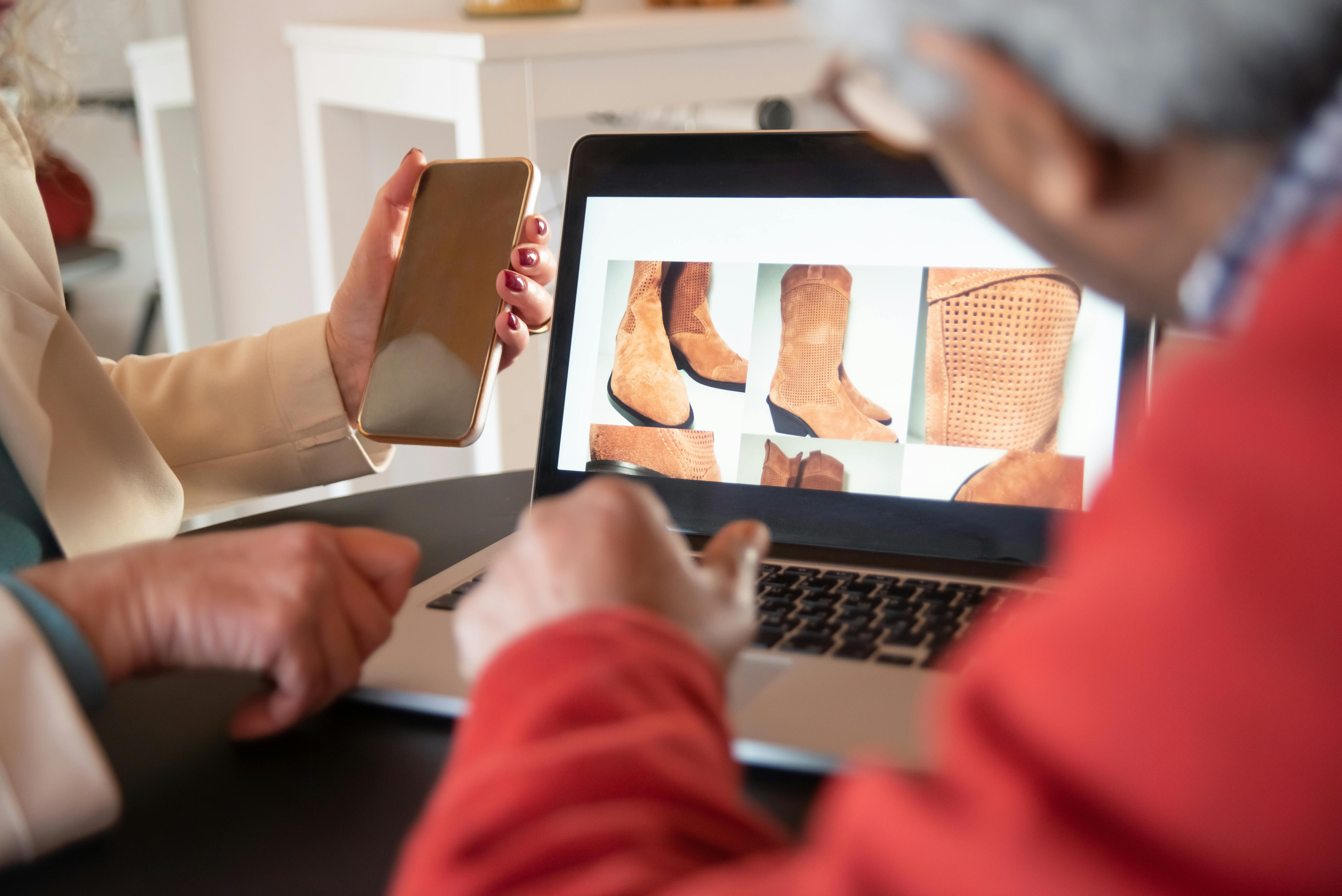
Fashion e-commerce runs on images. A single hero shot isn't enough to convince a shopper to buy a garment they can't touch they need to see the fit, the fabric, the color, and how it moves on a real body. Traditional photoshoots have always been the way to get those images, but they're slow, expensive, and hard to scale once a brand has dozens (or hundreds) of SKUs and colorways.
AI fashion photography has emerged as a practical way to close that gap. Done well, it lets clothing brands, Shopify stores, and fashion startups turn existing product references into realistic model photography without booking a studio for every variation. Done poorly, it produces distorted garments, warped hands, and images that quietly erode customer trust.
This guide covers what AI fashion photography actually is, how a professional workflow works step by step, where it falls short, and how to tell if it's the right fit for your brand, plus the quality checks that separate usable e-commerce imagery from AI-generated content that never should have shipped.
What Is AI Fashion Photography?
AI fashion photography is the use of AI-assisted image generation to create realistic apparel and model photography from existing product references, rather than shooting every image with a physical model, studio, and crew.
 |  |
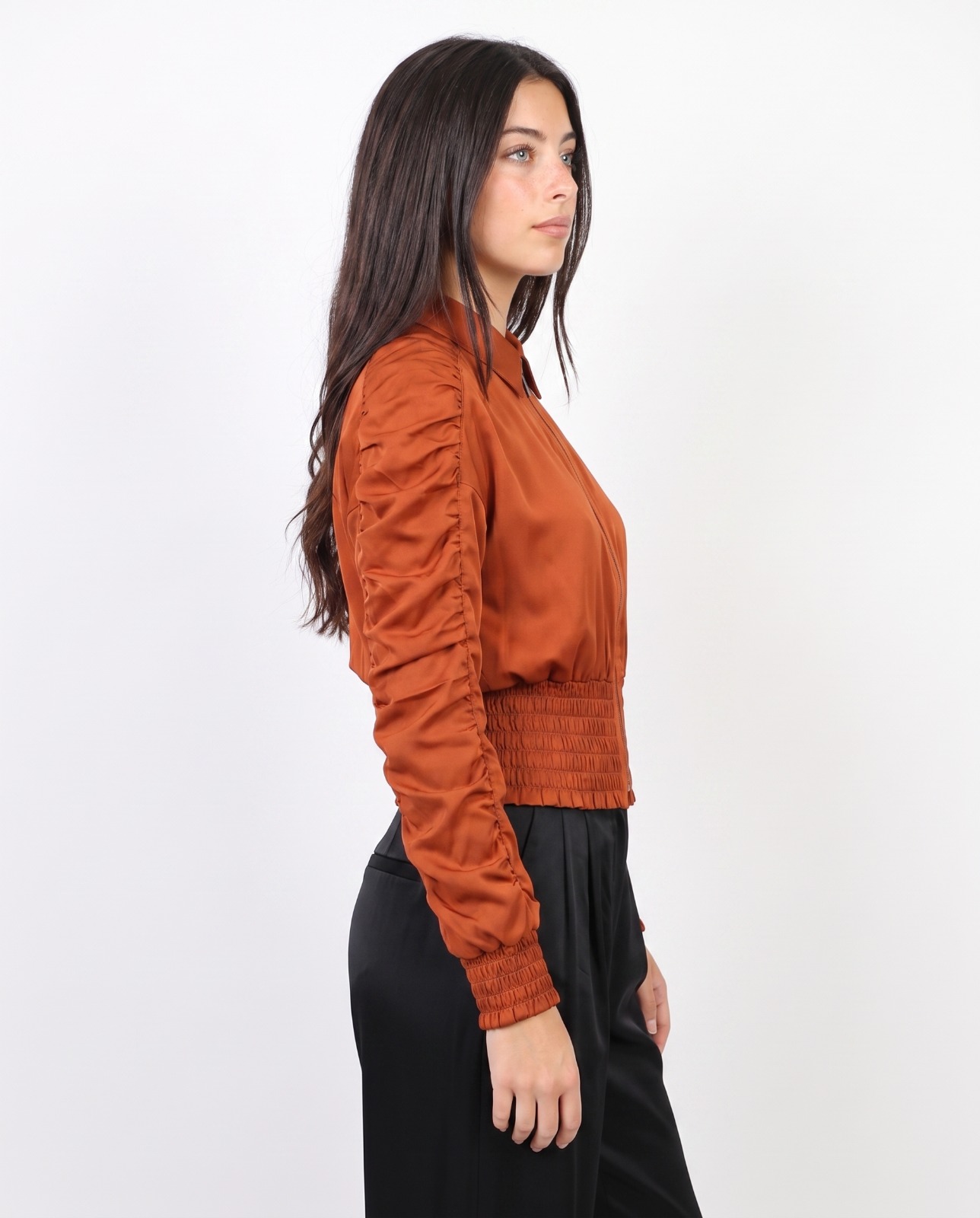 | 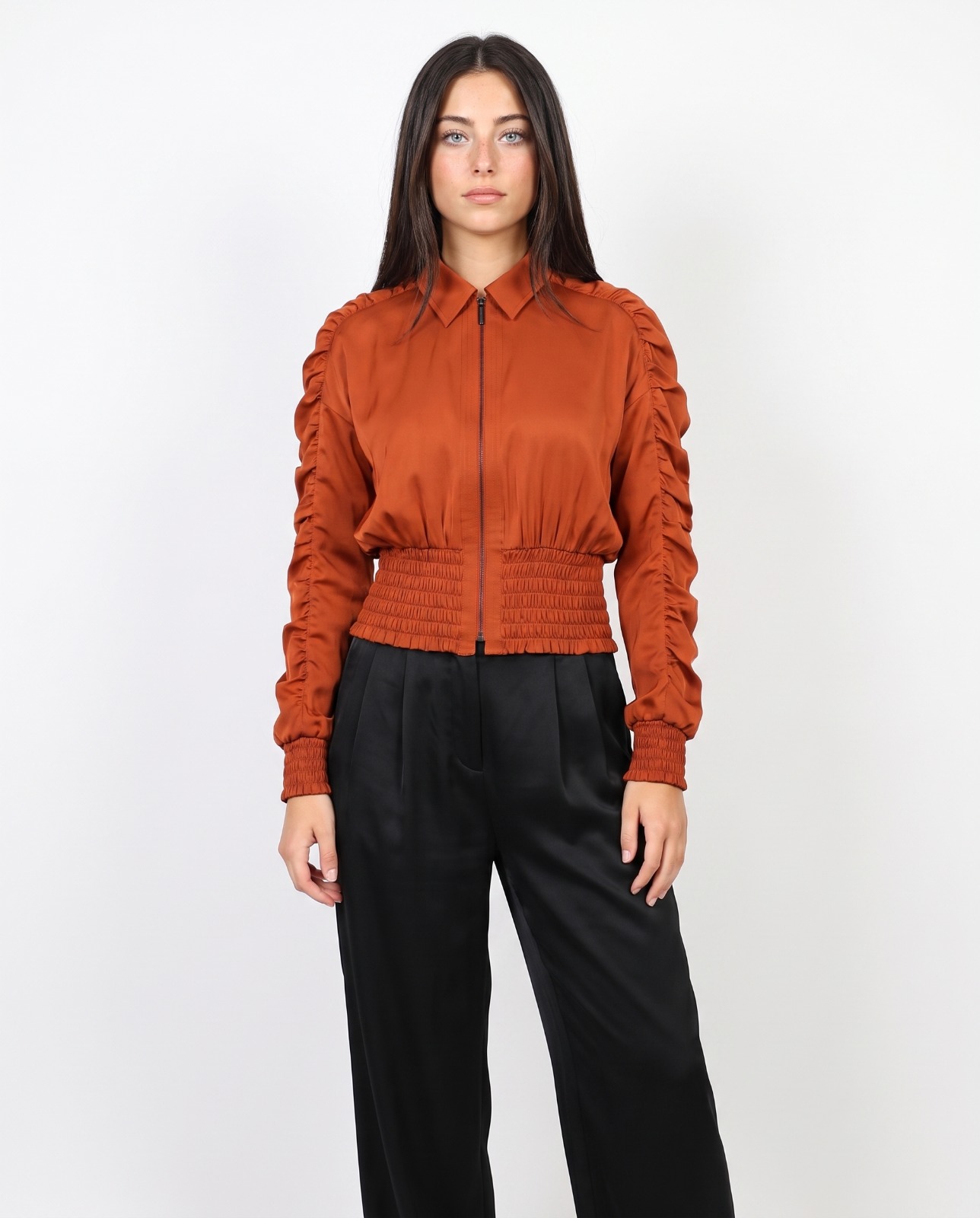 |
Instead of starting from a blank prompt, a proper workflow starts with real inputs: flat-lay or ghost-mannequin shots of the actual garment, color references, fabric close-ups, and direction on the model, pose, and setting. Those references are used to generate images of the garment as it would look wornwhile keeping the actual product intact.
Common use cases include:
- Clothing product photography for PDPs (product detail pages)
- Apparel model and lifestyle photography
- E-commerce and Shopify product images
- Fashion campaign and lookbook content
- Social media and paid ad creative
- Website banners and collection launch content
The goal isn't just to produce an attractive image it's to produce an accurate one. A beautiful photo of the wrong red, or a logo that's slightly off-position, does more harm than good on a product page.
Why Clothing Brands Are Adopting AI Fashion Photography
A traditional photoshoot involves a model, photographer, studio or location, styling, lighting, equipment, and post-production — coordinated for every product and every colorway. That's a reasonable cost for a hero campaign. It's much harder to justify for the tenth colorway of a t-shirt.
1. More Product Views Per Listing
Shoppers want to see a garment from multiple angles before they buy. A single front-facing shot rarely answers questions like "how does it fit from the back" or "what does the fabric actually look like up close." AI workflows make it more realistic to produce a fuller set per product:
- Front, back, and three-quarter views
- Side view for silhouette and fit
- Fabric close-up
- Logo or hardware close-up
- Lifestyle or in-context pose
2. Visual Consistency Across a Catalog
When every product page looks like it came from a different shoot — different lighting, different model, different crop — the store reads as unpolished, even if each individual image is fine. A controlled AI workflow, using the same references and prompt structure, makes it easier to hold model appearance, lighting, background, and composition consistent across a large catalog.
3. Content for Every Channel, Not Just the PDP
The same collection often needs different crops, aspect ratios, and creative angles for Shopify, Instagram, TikTok, Google Ads, email, and Pinterest. AI-generated variations give a team more raw material to adapt for each channel without re-shooting the product for every placement.
A Step-by-Step AI Fashion Photography Workflow
Here's what a professional workflow looks like in practice, from source images to a published product photo.
1. Capture accurate product references. This is the foundation everything else depends on. At minimum, gather front and back garment shots, side views, close-ups of fabric texture, and clear, well-lit shots of any logos, prints, or hardware. Blurry, poorly lit, or low-resolution source images produce inaccurate results no matter how good the generation workflow is.
2. Document color and construction details. Note the exact color (ideally against a neutral background, not under warm studio lighting that shifts the tone), fabric type, and construction features — seams, buttons, zippers, collar style, pocket placement. These become the reference points used to check accuracy later.
3. Define the model brief. Decide on model characteristics, pose, expression, and body positioning that match the brand's aesthetic and the garment's intended fit (relaxed, tailored, oversized, etc.).
4. Set the creative direction. Choose background, lighting style, and composition — studio white background for PDPs, lifestyle setting for campaign content, and so on. Consistency here is what keeps a catalog looking cohesive.
5. Generate the image. The garment reference is integrated into the model photography workflow to produce the image, using the documented color, fabric, and construction details as constraints.
6. Run quality control against the original garment. Compare the output directly against the source references — not just against "does this look good." This is the step most workflows skip, and it's the one that actually protects the brand (see the checklist below).
7. Revise or regenerate as needed. Flag anything that doesn't match — wrong color, missing logo detail, distorted seams, unnatural hands — and correct it before the image goes anywhere near a live listing.
8. Export and adapt for each channel. Crop and resize the approved image for PDP, social, and ad placements so the same accurate source image serves multiple channels without repeating the QC process from scratch.
Garment Accuracy: What Actually Has to Be Right
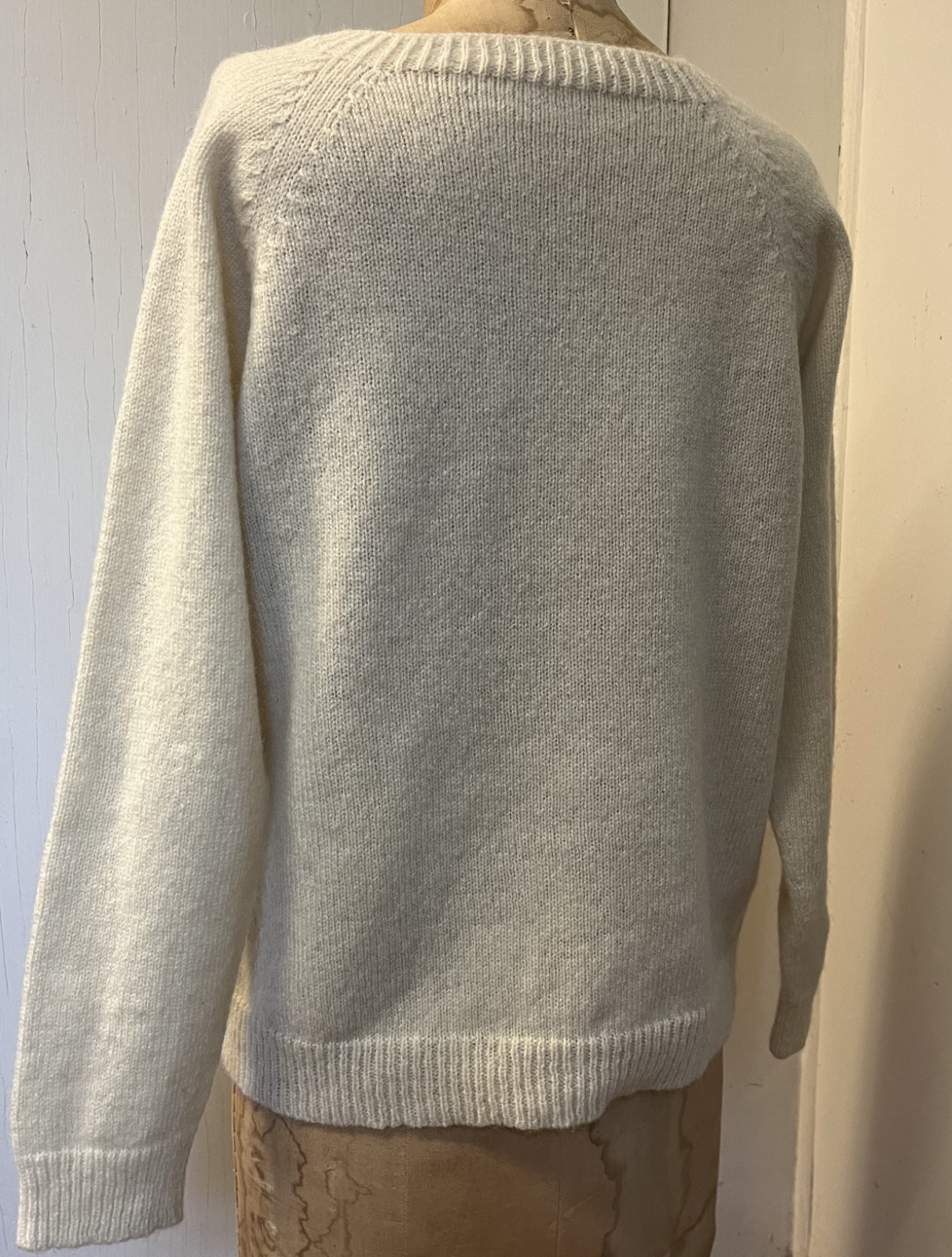
"Realistic" is a vague goal. For e-commerce, accuracy is the real bar, and it breaks down into specific, checkable details.
 |  |
 |  |
Color. The garment's color in the final image should match the real product, not just look pleasant. This matters more than almost anything else — color mismatch is one of the most common drivers of returns in apparel e-commerce, so an image that subtly shifts a color reads as false advertising even when unintentional.
Fabric. Texture, drape, and weight should look consistent with the actual material. A heavy wool coat shouldn't move or fold like silk. Surface details — ribbing, knit texture, denim weave — are what make a garment read as "real" rather than rendered.
Logos and graphics. Brand marks, prints, and graphics need to stay sharp, correctly scaled, and correctly positioned. A logo that's stretched, mirrored, or slightly misplaced is an easy way to damage brand trust, especially for founder-led or logo-forward brands.
Construction details. Seams, stitching, buttons, zippers, cuffs, collars, and pockets should all be present and positioned correctly. These are the details online shoppers zoom in on, particularly for higher-price-point items where construction quality is part of the pitch.
Fit. The garment should sit on the model the way it would sit on a real customer — not stretched, not floating away from the body, not compressed in ways that misrepresent the actual cut. Fit accuracy is directly tied to return rates, so this is a commercial issue, not just an aesthetic one.
Human anatomy. Hands, faces, proportions, and joints need to look natural. This is still one of the more common failure points in AI-generated imagery, and it's often the fastest way a customer clocks an image as "off" even if they can't articulate why.
Consistency. Model appearance, lighting, background, and composition should hold steady across a full catalog or campaign, not just within a single image.
AI vs. Traditional Fashion Photography
Neither approach is universally better — they solve different problems.
| Factor | AI Fashion Photography | Traditional Photography |
|---|---|---|
| Speed | Faster to produce multiple images and variations once references exist | Limited by shoot day, model, and crew availability |
| Cost per image | Lower marginal cost for additional colorways/views | Higher — new setup, styling, and shoot time per variation |
| Scalability | Strong for large catalogs and frequent SKU updates | Harder to scale without repeated shoots |
| Authenticity | Depends entirely on QC; risk of subtle inaccuracies | Captures the real garment, real location, real light |
| Brand storytelling | Good for consistent, controlled variations | Better for campaigns needing a genuine location or moment |
| Best fit | PDP variations, colorway coverage, ad creative testing | Hero campaigns, brand films, editorial features |
For most growing fashion brands, the practical answer isn't "AI or traditional" — it's using traditional photography for hero campaign shots and AI-assisted workflows to cover the long tail of colorways, angles, and channel-specific content that would otherwise never get shot at all.
Real-World Applications
A Shopify apparel store with multiple colorways. A brand selling a t-shirt in eight colors doesn't need eight full photoshoots. One accurate photoshoot of the garment's cut and fabric, paired with an AI workflow driven by the correct color reference for each colorway, can extend coverage across the full product range while keeping fit and styling consistent.
A fashion startup building a launch site. Early-stage brands often have product samples but not the budget for a full campaign shoot. An AI-assisted workflow can help populate PDPs with multiple angles per product ahead of launch, while budget is reserved for a smaller traditional shoot focused on hero/campaign imagery.
An established ecommerce brand testing creative for ads. Rather than shooting new creative for every ad variation, a brand can generate multiple model, pose, or background variations from existing garment references to test which creative direction performs best before committing budget to a full shoot.
Where AI Fashion Photography Falls Short
It's worth being direct about the limitations, because overselling this technology is what causes brands to get burned.
- It's only as accurate as the source references. Poor product photography in means poor, inaccurate output out — there's no workflow that fixes bad inputs.
- Fine details are the hardest part to get right. Small logos, intricate prints, and fine construction details (piping, embroidery, small hardware) are the most likely to come out slightly wrong and need the closest review.
- Anatomy errors still happen. Hands, ears, and complex poses remain a common failure point, even in otherwise strong images.
- It doesn't replace real campaign photography. Location-dependent storytelling, genuine brand moments, and editorial features still benefit from a real shoot.
- Unreviewed output is a liability, not an asset. Publishing AI-generated images without checking them against the real garment risks misrepresenting the product — which directly affects returns and customer trust.
Common Mistakes Clothing Brands Make
- Using low-quality or poorly lit source garment photos and expecting accurate output
- Skipping color-matching against the real product before publishing
- Not zooming in on logos, prints, and construction details before approving an image
- Treating AI images as "final" without a review step against the physical garment
- Mixing inconsistent lighting, backgrounds, or model styles across a single collection
- Relying on AI images for every image on a listing, with no traditional photography anywhere in the mix
Quality-Control Checklist Before Publishing
Before any AI-generated fashion image goes live on a product page or ad, check it against the original garment for:
- Color matches the actual product (checked in neutral lighting, not just on-screen)
- Fabric texture, drape, and weight look consistent with the real material
- Logos and graphics are sharp, correctly scaled, and correctly positioned
- Seams, buttons, zippers, and other construction details are present and accurate
-The garment fits the model the way it would fit a real customer
- Hands, face, and body proportions look natural
- Lighting, background, and styling match the rest of the catalog or campaign
- The image has been reviewed side-by-side with the source product photos, not from memory
If an image fails any of these checks, it should be revised or regenerated — not published with a caveat.
Cost Factors to Consider
Pricing for AI fashion photography varies based on a few practical factors rather than a flat per-image rate:
- Number of source garments and colorways being covered
- Number of views per product (front/back/side/detail adds up quickly across a catalog)
- Level of quality control and revision required to hit brand accuracy standards
- Consistency requirements across a large catalog versus a single campaign
- Whether the work is paired with traditional photography for hero shots or campaign content
Because the workflow depends heavily on the quality of existing product references, brands with strong existing product photography (even flat-lay or basic ghost-mannequin shots) typically get more accurate, faster results than brands starting from scratch.
Is AI Fashion Photography Right for Your Brand?
It tends to be a strong fit for brands that need to scale visual content without scaling shoot budget in parallel — clothing brands with wide colorway ranges, Shopify stores expanding their catalog, fashion startups launching on a limited budget, and marketing teams that need creative variations for testing across channels.
It's a weaker fit as a total replacement for photography where the physical product, location, or human element is the point of the story — flagship campaigns, brand films, and editorial features built around a genuine shoot.
For most fashion e-commerce brands, the realistic answer is a mix: traditional photography for hero and campaign content, AI-assisted photography for catalog depth, colorway coverage, and channel-specific creative — with a consistent quality-control process across both.
Building This Into Your Product Photography Strategy
AI fashion photography works best as part of a broader photography strategy, not a standalone fix. It depends on accurate apparel product photography as source material, pairs naturally with flat-lay apparel photography for garment reference shots, and extends into apparel model photography for the final customer-facing images.
(Note: swap the placeholder paths above for your live SetlesStudio URLs once confirmed — kept the anchor text tied to your existing apparel content cluster.)
The Bottom Line
AI fashion photography isn't a shortcut around good product photography — it's a way to get more mileage out of it. The brands that get real value from it are the ones treating it as a production workflow with a real quality-control step, not a one-click image generator.
The goal was never to create images because they're AI-generated. It's to create images that are accurate enough to help a customer buy with confidence — and that starts with the same thing traditional photography has always needed: a genuinely good product photo to work from.
Ready to build accurate, scalable fashion photography for your catalog? Contact SetlesStudio to discuss your next collection.
Explore next
Clothing Photography: Preparation, Lighting and Formats
