
AI Fashion Fabric Texture: Why It Looks Fake and How to Actually Fix It
Why AI-generated fabric texture looks fake and how to fix it — fabric-specific prompt fixes, reference image workflow, and lighting tips for realistic AI fashion renders.
September 27, 2026 · SetlesStudio Team

Open an AI fashion image that did not land right, and the eye usually goes straight to the fabric before it registers anything else. A dress might have solid lighting, a believable pose, and a clean background and still feel off the moment you look closely at the material. Fabric texture is often the first thing that gives an AI-generated image away, more than the face, the pose, or the background.
I have generated and reviewed a fair number of AI fashion renders across different tools, and the same pattern shows up again and again. Most models handle silhouette, lighting, and even facial realism reasonably well now. Texture is where they tend to struggle, because texture is not one variable. It is weave, weight, drape, sheen, and how light scatters across a surface, all happening at once. A diffusion model can approximate any of those individually. Getting all four to agree on the same piece of fabric is a harder problem, and it is the main reason realistic fabric texture in AI images still trips people up.
What "Fabric Texture" Actually Means to an AI Model
When someone says a fabric looks fake, they usually mean one of two things. Either the surface reads as flat, like a printed pattern on smooth plastic, or the fabric behaves wrong under light, catching a sheen a real material would not have or missing one it should.
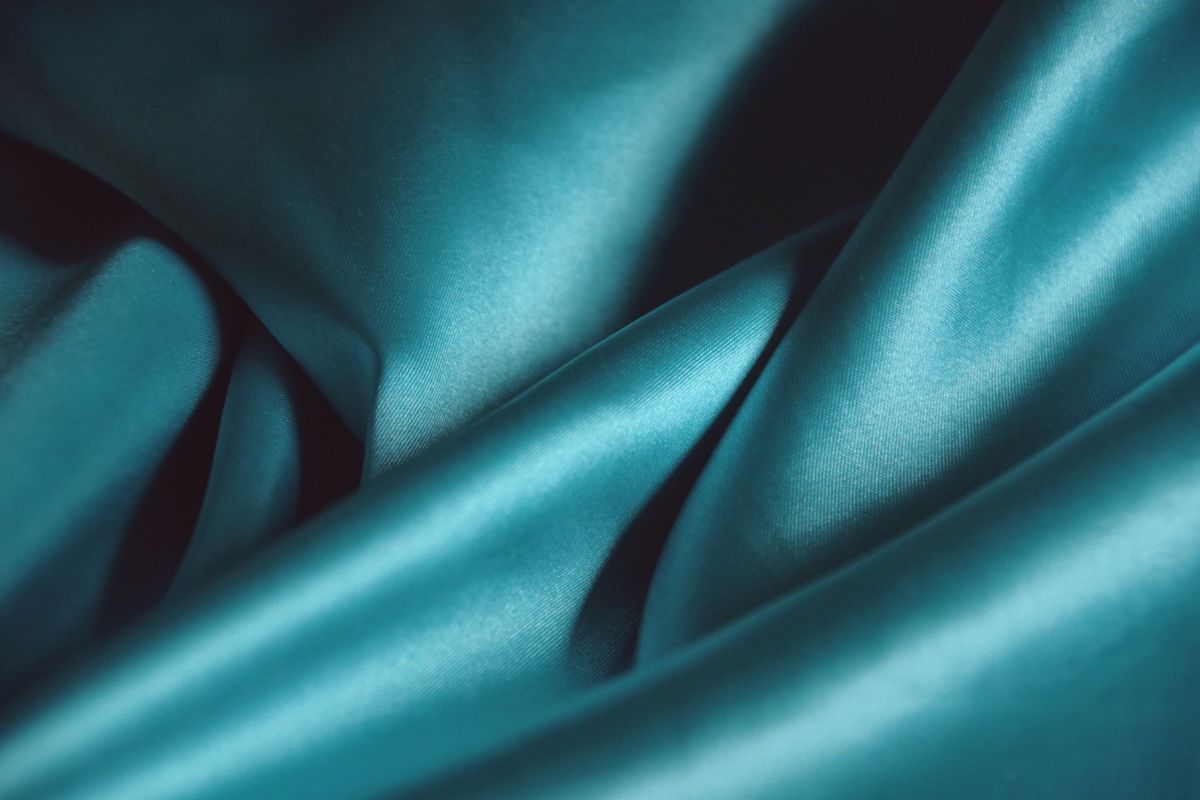
Cotton absorbs light and scatters it unevenly. Silk reflects in long, soft streaks. Denim has a visible thread structure that shifts depending on the angle. Wool has a slight fuzz that breaks up hard reflections. When an AI model renders these fabrics without accounting for that individual behavior, it tends to default to a kind of average material: smooth, evenly lit, and missing the small irregularities that tell your eye "this is real cloth."
That is the root of most AI clothing texture complaints. The model is not really rendering fabric so much as applying a color and pattern to a generic surface.
Fabric Type Comparison: Common AI Problems and What to Prompt For
Different materials break in different ways. This table covers the fabrics that come up most often in AI fashion photography work, along with the prompt direction that tends to help.
| Fabric | Common AI Rendering Problem | What to Prompt For |
|---|---|---|
| Silk | Looks either matte and lifeless or has an unnatural plastic shine | Soft directional sheen, fluid drape, gentle highlight along folds |
| Denim | Thread structure disappears, surface looks painted rather than woven | Visible twill weave, slight surface texture, stitched seams, fading at stress points |
| Wool | Too smooth, reads like felt or synthetic fleece | Fuzzy surface texture, matte finish, soft light diffusion, slight fiber irregularity |
| Linen | Loses its characteristic wrinkle and stiffness, looks like soft cotton | Structured drape, visible creasing, slightly stiff fabric fall, natural texture variation |
| Satin | Overexposed highlights or texture that looks flat under bright light | Directional highlight with soft falloff, smooth surface with visible light gradient |

None of these fixes are guaranteed on every model or every generation. Results vary by tool, prompt weight, and even the specific version of the model you are using, so treat this as a starting direction rather than a formula.
Why Prompting Alone Often Falls Short
Plenty of guides suggest adding phrases like "realistic fabric texture, high detail, 8k" to a prompt. This can help a little, but it addresses the symptom rather than the cause. Detail keywords tend to increase sharpness and noise in the render, which can trick the eye at a glance, without actually fixing how the material behaves.
What tends to move the needle more is describing the physical behavior of the fabric, not just naming it.
Weak prompt: "Woman wearing a silk dress"
Improved prompt: "Woman wearing a silk dress with soft directional sheen, fluid drape, visible fold shadows, fabric catching diffused studio light"
Weak prompt: "Model in a denim jacket"
Improved prompt: "Model in a denim jacket with visible twill weave, stitched seams, slight fading at the elbows and collar, natural fabric stiffcollar, andness"
Weak prompt: "Wool coat, studio photo"
Improved prompt: "Wool coat with fuzzy matte surface, soft diffused light, subtle fiber texture, minimal shine"
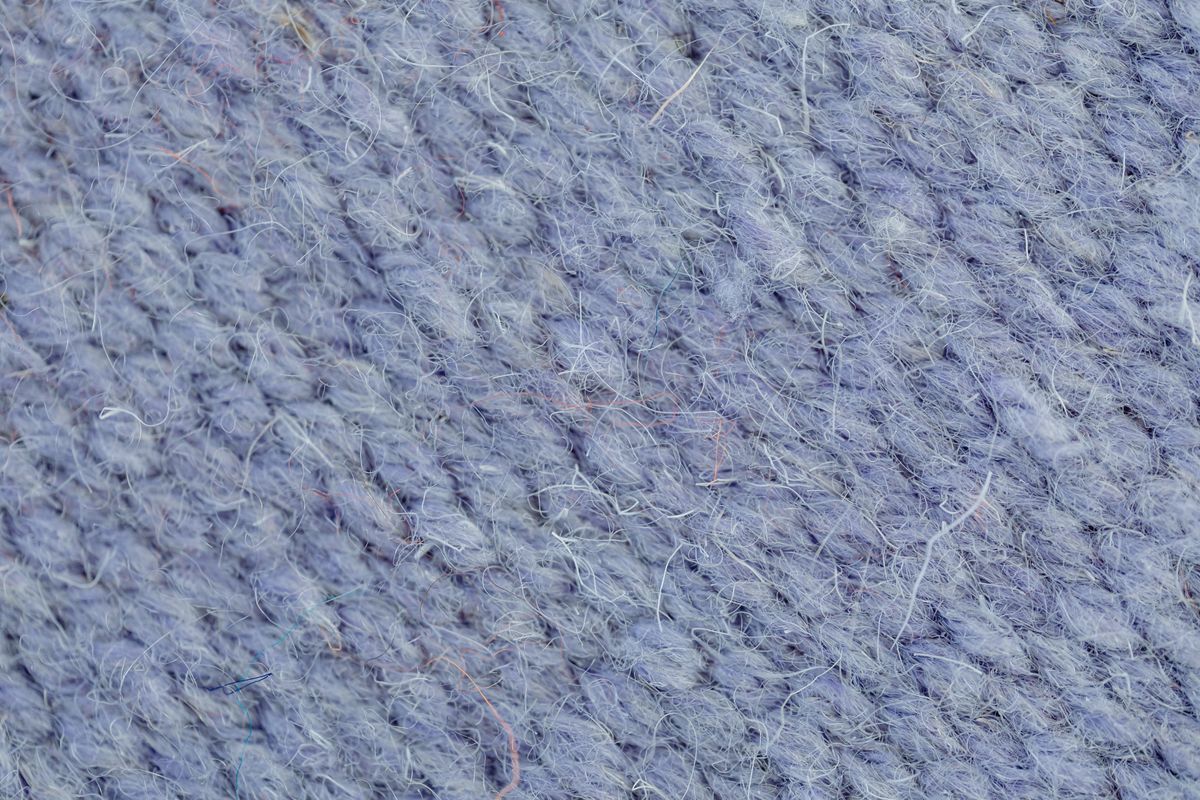
The improved versions are not longer for the sake of length. Each one gives the model something specific about how the material looks and reacts to light, rather than just naming the fabric and hoping the model fills in the rest correctly.
For structured fabrics like denim or tweed, naming the weave pattern (twill weave, herringbone, ribbed knit) tends to produce more convincing surface detail than a generic material tag, likely because those specific terms are tied to more consistent visual references in the model's training data.
The Reference Image Shortcut
If your tool supports image-to-image generation or a ControlNet-style workflow, uploading an actual photo of the fabric and using it as a structural or style reference tends to outperform prompting on its own, particularly for brands with a signature material, a specific linen blend, a proprietary print, or a textured knit that customers already recognize.
The reference does not need to be a full garment shot. A close up of the fabric folded on a table, photographed in natural light, is often enough to anchor the weave and sheen in the output. If your brand already works with a product photography team, even a handful of real shots, the kind a studio like Setles Studio would capture during a standard ecommerce shoot, can give an AI workflow a far stronger texture reference than a text prompt alone. Teams that skip this step often spend more time refining prompts than it would have taken to grab a few reference photos in the first place.
Garment Construction Details AI Tends to Miss
Fabric texture and garment realism are connected in ways that are easy to overlook. Seams, stitching lines, and the way fabric pulls slightly at stress points, shoulders, waistband, and elbows, are small details that AI models frequently smooth over or leave out entirely. A shirt with no visible seam where the sleeve meets the body reads as subtly wrong, even to someone who could not explain exactly why.
Mentioning construction details in the prompt, visible seam lines, topstitching, and natural fabric pull at the waist, helps close that gap. It will not fix everything, but it moves the render away from the smooth, mannequin-like look that shows up often in AI clothing photography.
Lighting Is a Texture Variable, Not a Separate Setting
A common mistake is treating lighting and fabric texture as unrelated parts of the prompt. They are not. Flat, even lighting flattens texture regardless of how detailed the material description is. Fabric needs directional light with some contrast to reveal its structure, the same way a photographer angles a light to bring out the weave in a wool coat.
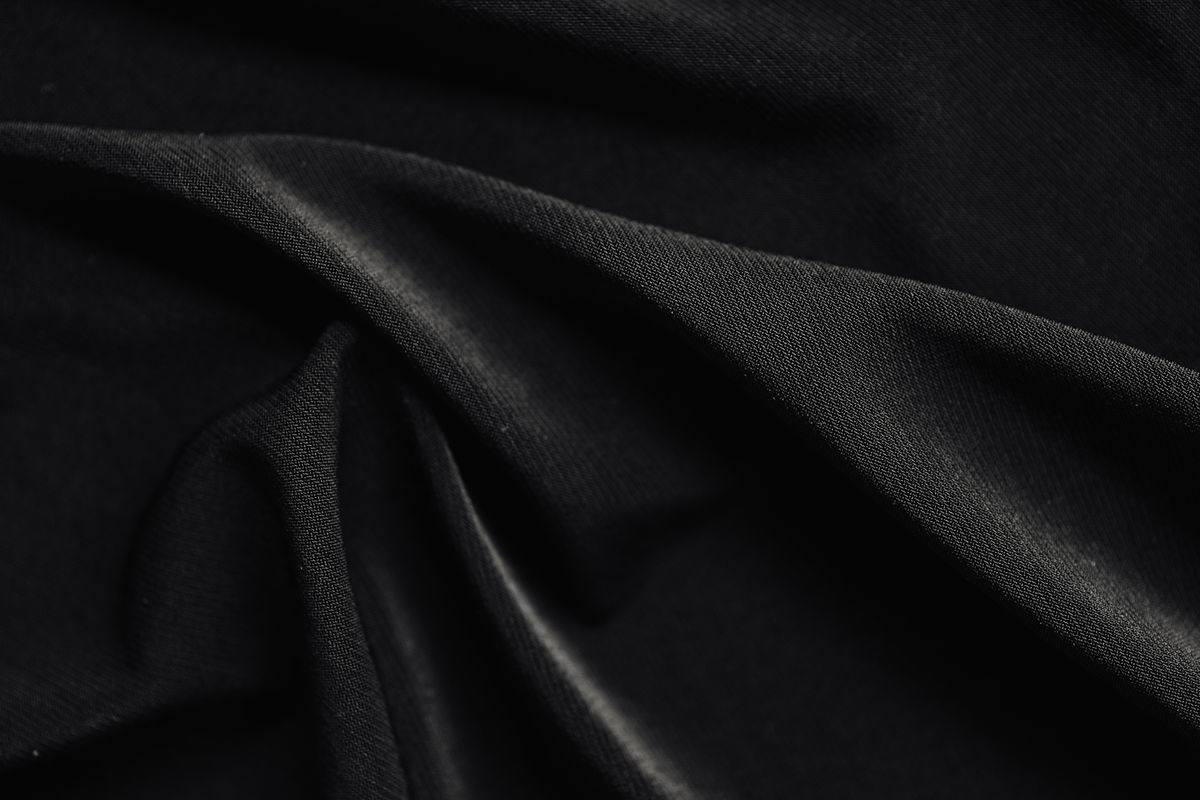
Prompting for soft directional light, a single key light with fill, or window light with gentle shadow often does more for perceived texture realism than adding more material-specific keywords. Lighting is frequently the missing piece between a decent render and a convincing one.
A Practical Workflow Worth Repeating
For teams producing AI fashion images regularly, a repeatable process tends to hold up better than reworking prompts one at a time:
- Start with a real fabric reference photo when possible, even a phone photo in decent light
- Write prompts that describe material behavior (drape, sheen, weave) rather than just naming the fabric
- Specify directional lighting explicitly
- Add relevant garment construction details (seams, stitching, natural pull)
- Generate several variations and compare texture consistency across the batch, not just the strongest single image
- Use targeted inpainting on texture-heavy areas, collars, cuffs, fabric folds, rather than regenerating the whole image when only the material looks off
This workflow will not solve every texture problem. High-sheen materials like satin or sequined fabric remain genuinely difficult for most current models. But it closes the gap enough that the images can hold up in an ecommerce catalog or lookbook without the fabric giving the process away.
Conclusion
Fabric texture realism in AI fashion images has improved over the past year or so, largely because more tools now support reference-based generation instead of relying on text prompts alone. The gap between AI-generated fashion imagery and traditional studio photography is narrowing, and it tends to close fastest for teams who treat fabric as a physical material with behavior, not just a keyword to drop into a prompt.
If your renders keep coming back looking slightly plastic, the fix is rarely a longer prompt. It is usually a more specific one, paired with a real fabric reference and closer attention to how light interacts with the material you are trying to recreate.
Read next
How AI Fashion Photography Cuts Ecommerce Content Costs
